Re:Days
Photo album? No, a calendar.
Your photos, in your calendar, on the day you took them.
A slightly unusual little app that keeps your photos on your calendar.
Trip photos. Weekend outings. Before they sink into the thousands in Photos, give them a few words about what the day was, and keep them in the calendar you open every day.
Coming soon to the App Store
Just share your photos
-
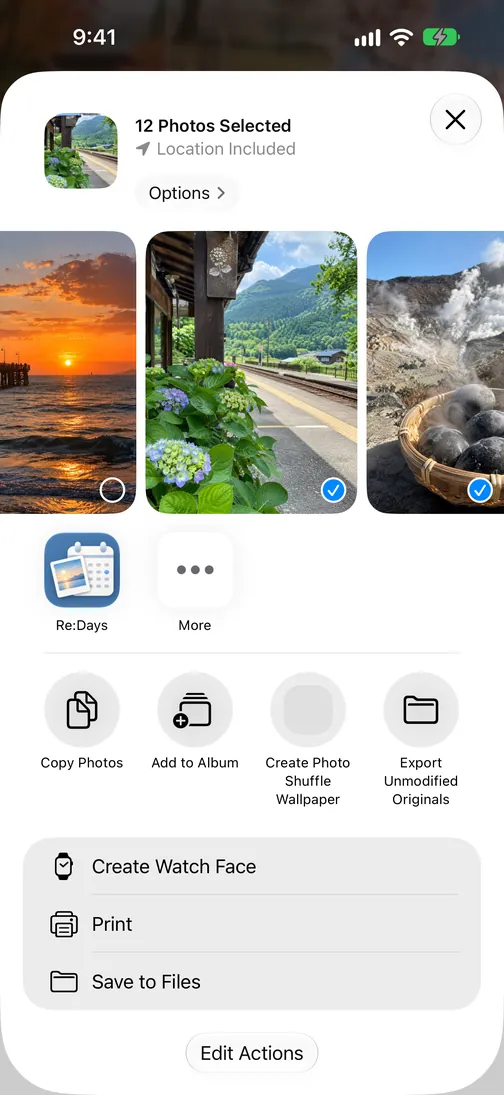
Pick photos in Photos, tap Share, choose Re:Days
-
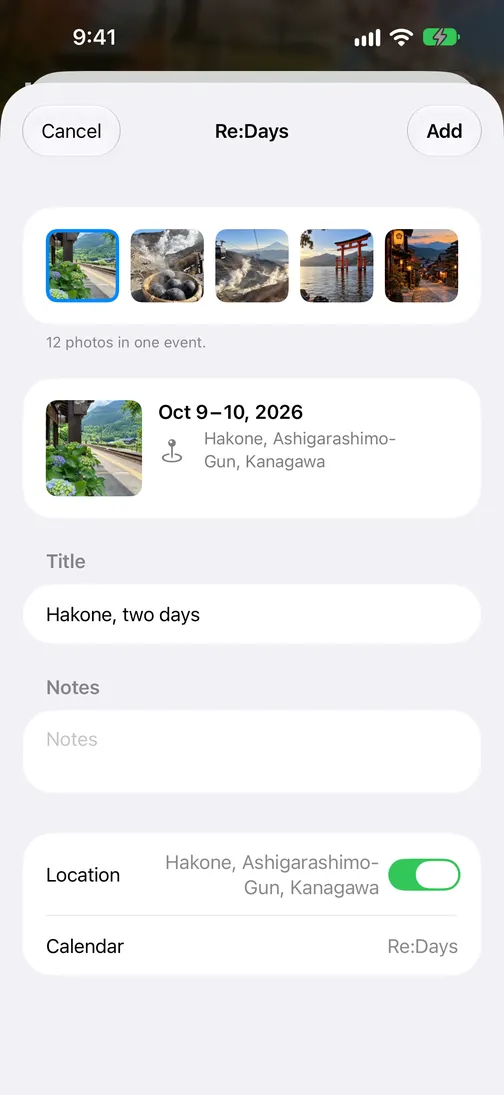
Date and place are filled in. Add a title and tap Add
-
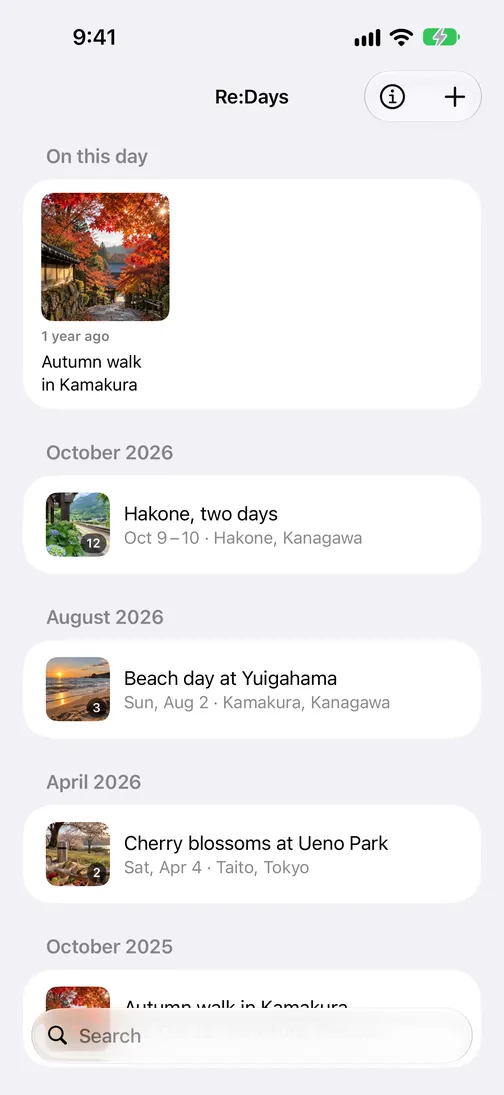
The record is made
Your records show up in Calendar
Records are events in a dedicated “Re:Days” calendar, so they appear in the iPhone Calendar app next to everything else.
-
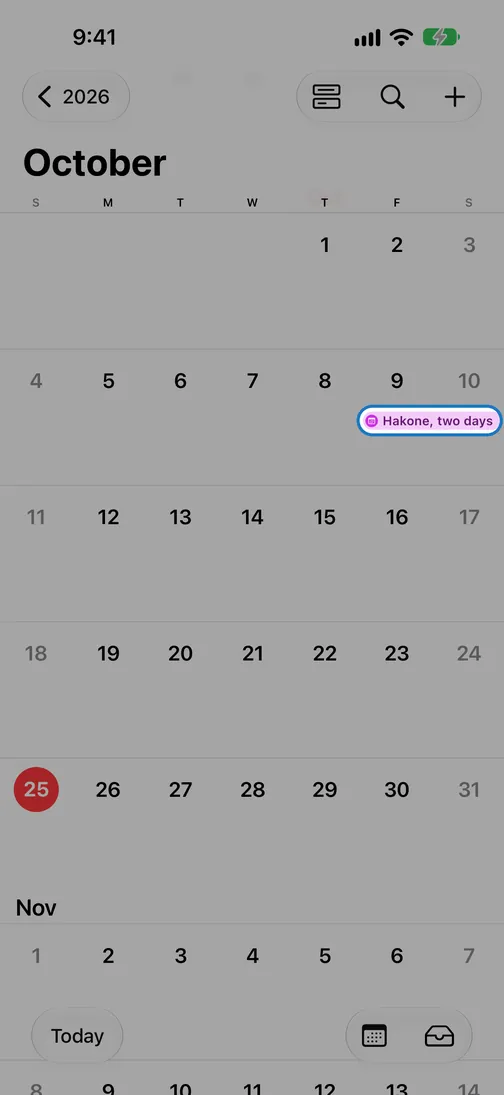
The days you went, in month view
-
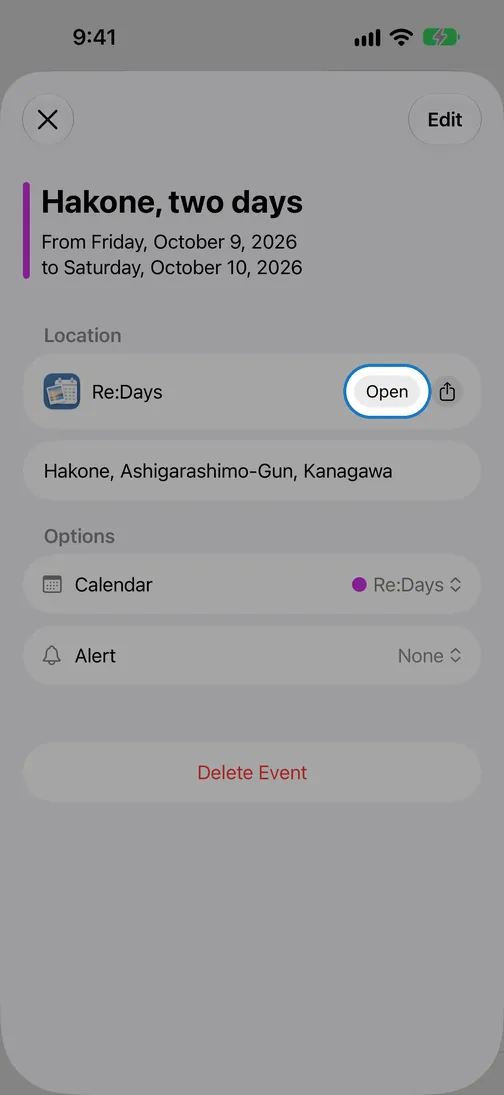
The event carries a link that opens Re:Days
-
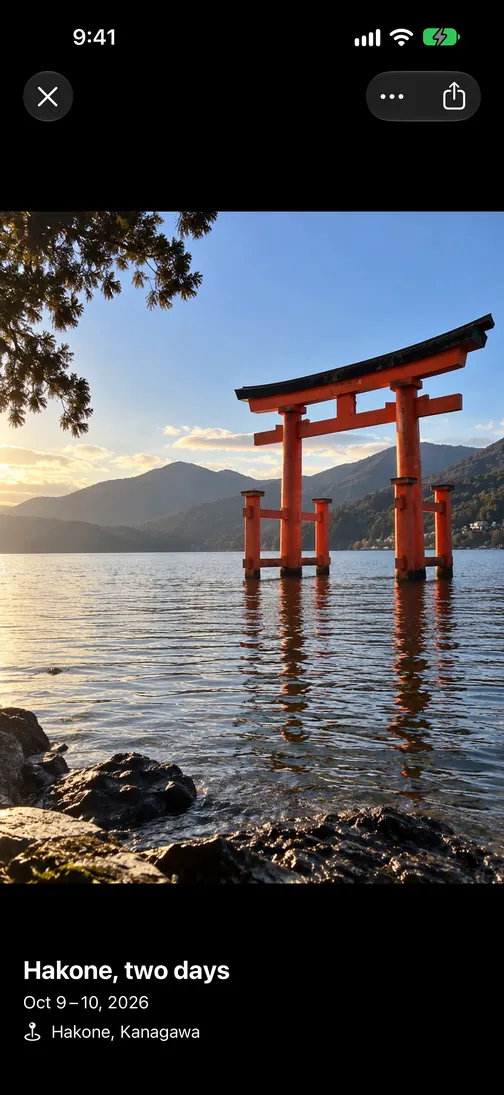
Tap Open to see that day’s photos in Re:Days
And more
-
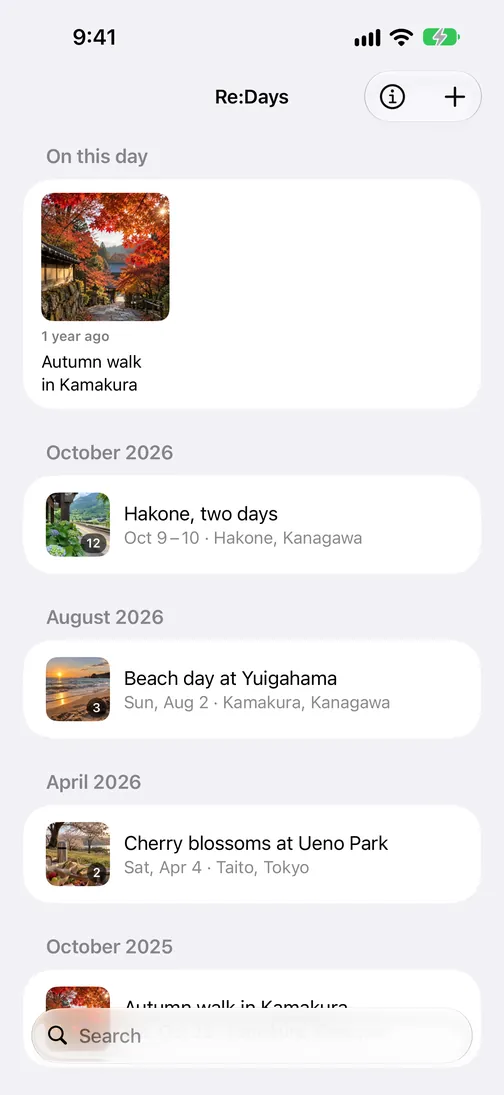
On this day, years ago
-
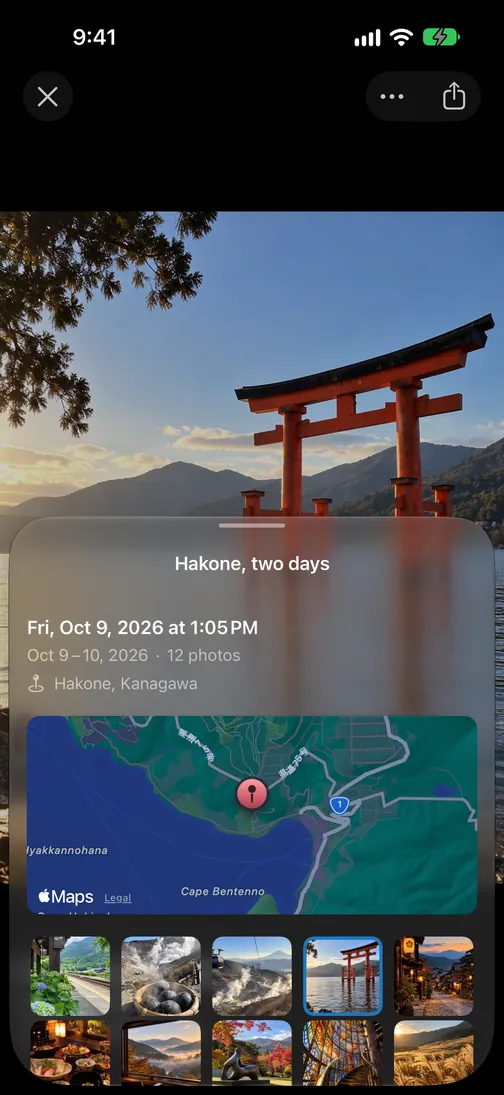
Swipe up for date, time and place
-
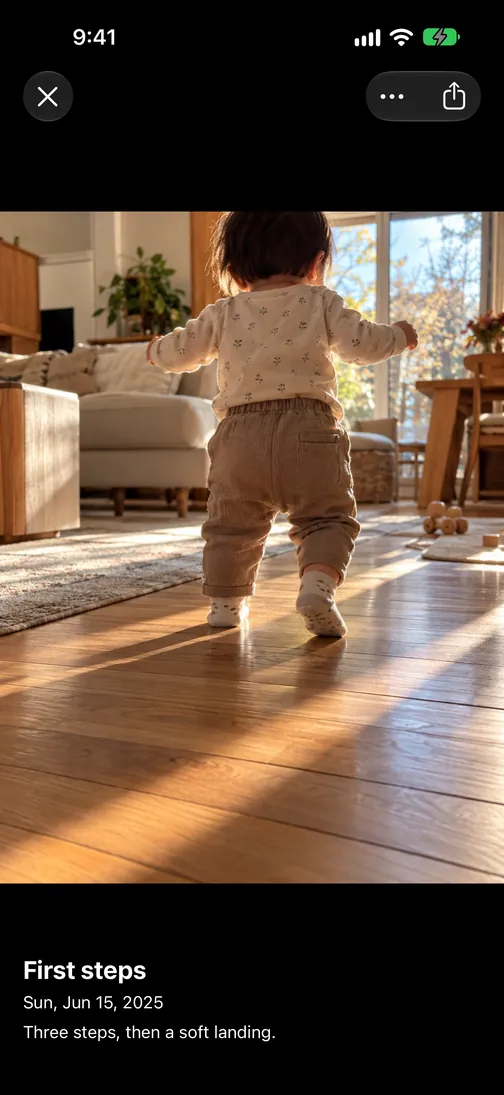
Keep the firsts
On iPad, too
On iPad, your records sit on the left and the photos on the right — room to look back at the day.

For the whole family
Share the “Re:Days” calendar through iCloud, and the same records show up in your family’s calendars.
Nothing is written to your photos
Re:Days never copies, sends or modifies your photos. All it writes is a calendar event. Delete the app and that calendar, and everything is exactly as it was.
The free version holds up to 5 photos per record. Upgrade to Re:Days Pro inside the app (one-time purchase) for up to 100.